

Home | Breast Procedures | Breast 3D Augmentation

myArbrea turns a few photos taken with your phone into a personal 3D simulation of your breast augmentation — reviewed with Dr. Rohit Jaiswal before you ever step into the operating room.

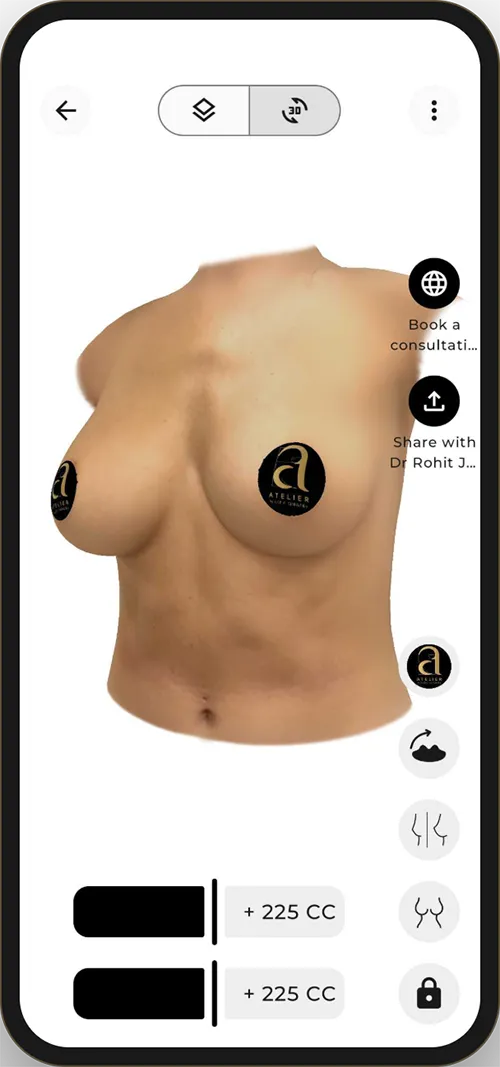
The simulation is built from photos of you — not a model. Rotate it, view it from the side, and see how the volume sits on your frame.
Adjust the volume for each side independently and compare the results in seconds.
One tap sends your favourite simulation to the practice, so your consultation starts from what you actually want.

Around ten minutes, in privacy, at home. Please read each step before you begin.
Search for myArbrea in your phone’s app store, or use the buttons below. The app is free.
Open the app, tap Account at the top left and register with your email address and a password. Accept the privacy terms to continue.
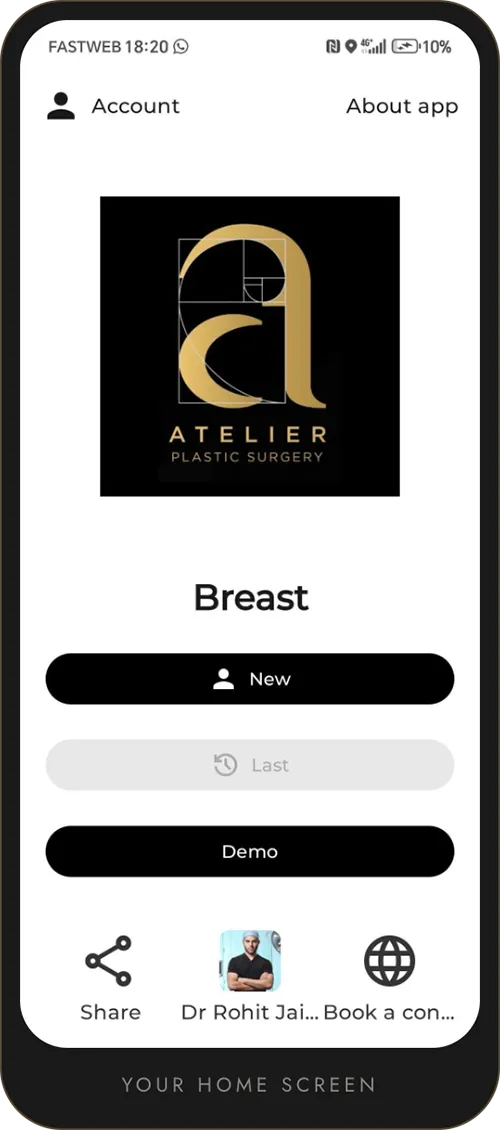
In Account, type the practice code in the code field. The Atelier Plastic Surgery logo will appear on your home screen — that is how you know you are linked to Dr. Jaiswal.
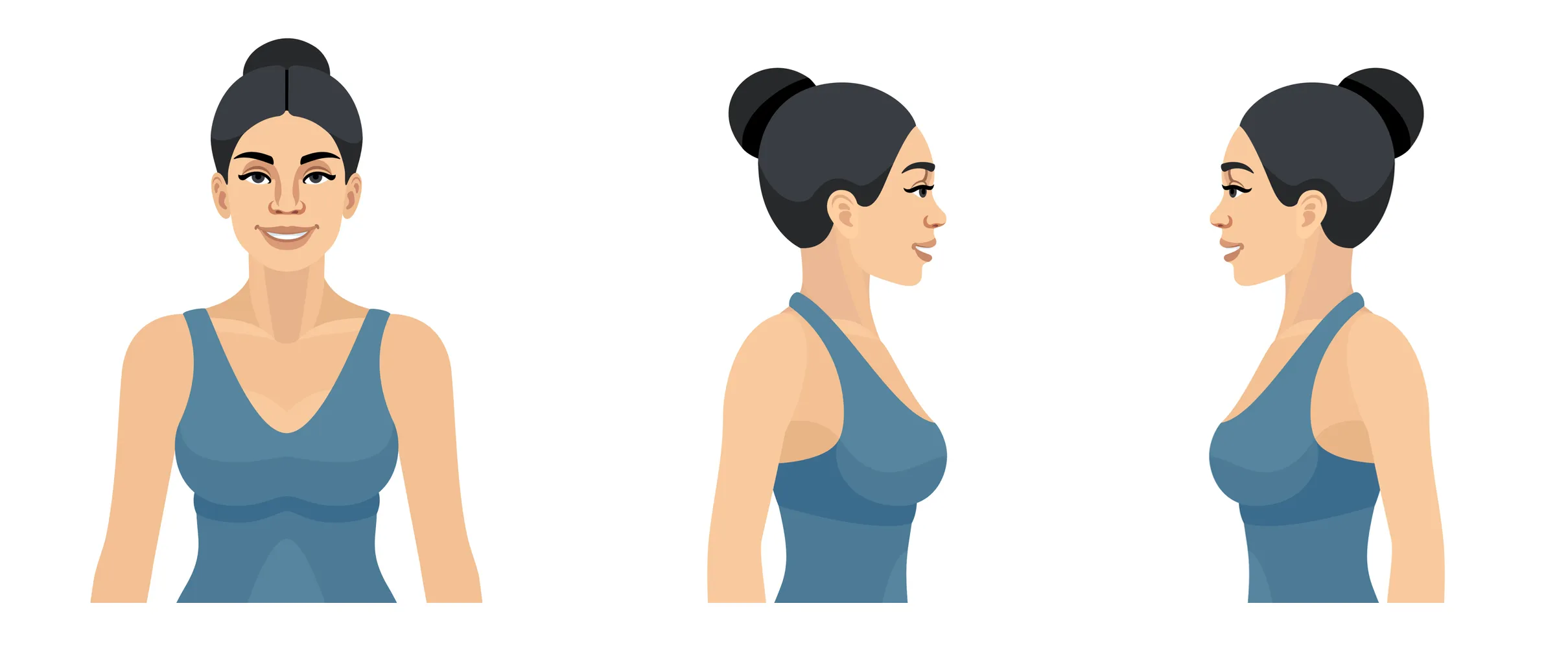
Tap New, then follow the on-screen guide: stand about 1.5 m from the camera in even light, arms relaxed, and capture the front and side photos. Your 3D result is ready in moments.
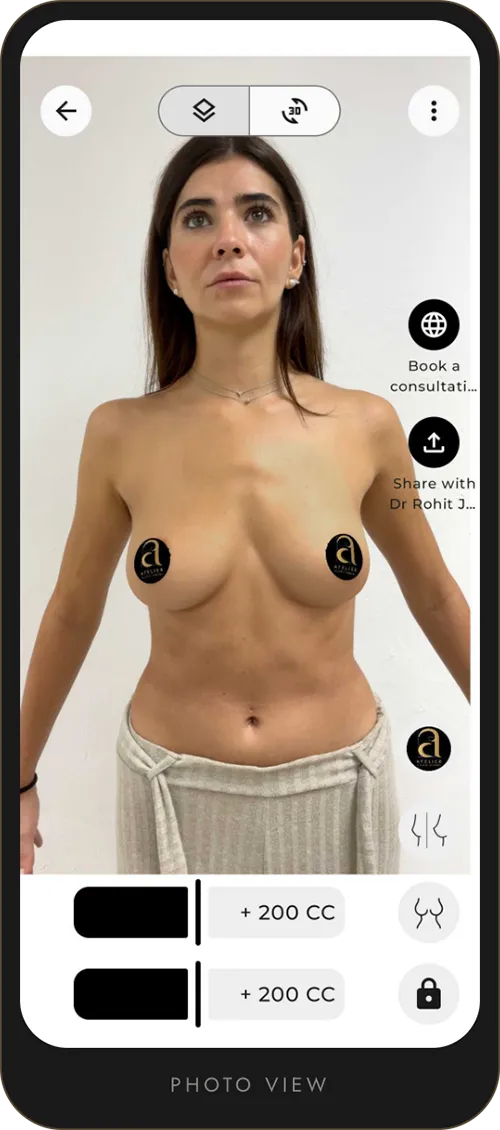
Use the sliders to change volume, switch between 2D and 3D, then tap Share with Dr Rohit Jaiswal. Not ready for your own photos? Tap Demo to explore first.
Once the code is entered, the Atelier logo sits on your home screen and everything you need is one tap away. Inside a simulation, two sliders — one for each side — let you change volume in small increments and watch the result update instantly.

Only you, and the practice if you choose to share a simulation. Your photos stay in your private account.
No. With the code DRJAISWAL, myArbrea is offered to you as part of your care at Atelier Plastic Surgery.
It is a realistic visual guide, not a guarantee. Your anatomy, healing and implant choice are discussed with Dr. Jaiswal.
Call the practice at 725.247.6727 and our team will walk you through it.


Simulate at home, share it with Dr. Jaiswal, and let us design the result you have in mind.
Our practice
We’re here to help, with a number of patient resources designed to make your experience as comfortable as possible. Read through the materials below, and don’t hesitate to reach out and set up your consultation to learn more about what we can do for you.